Chat
A real-time room for each project, with mentions, files and typing indicators.
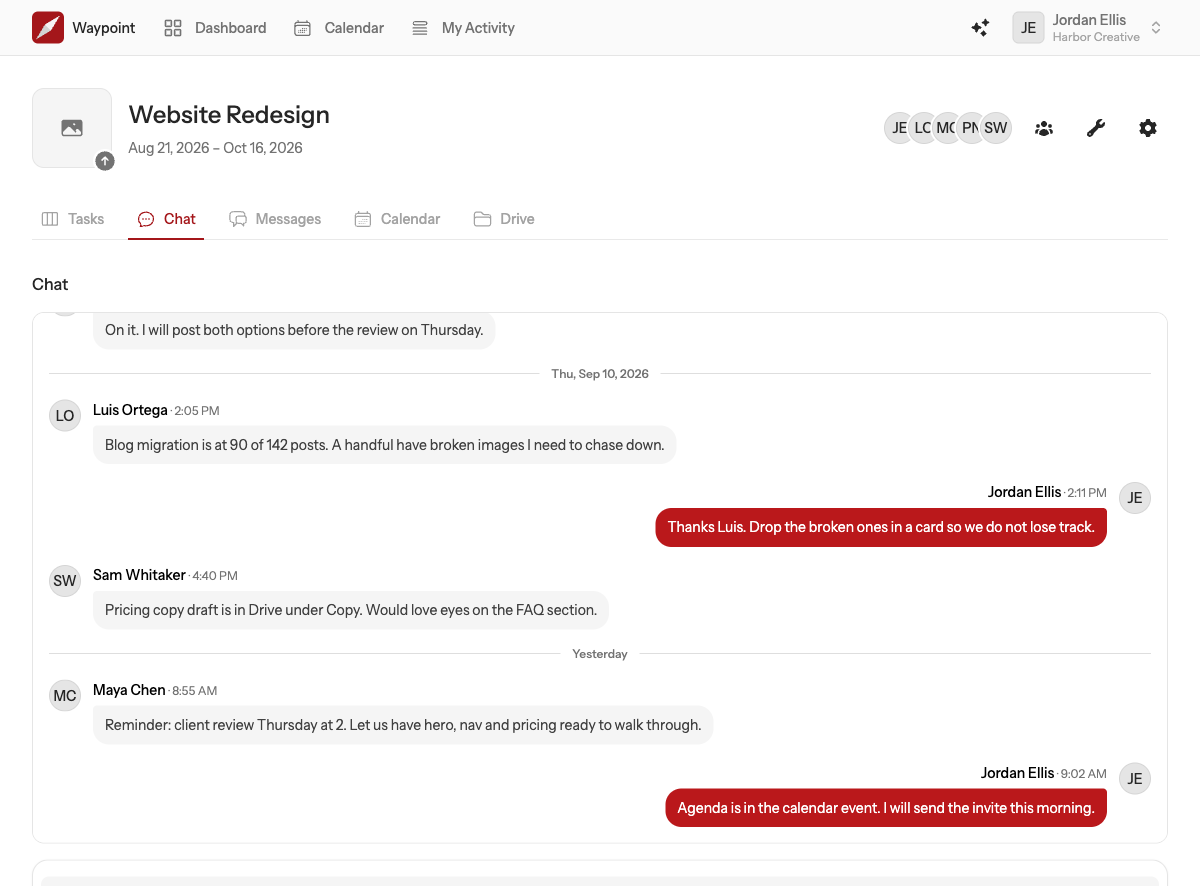
Chat is the project's room for right now: quick questions, a heads-up, the back and forth that does not need a message board post. Every project can have its own chat, so a question about one project never lands in another project's conversation.
Sending a message
Type in the box at the bottom and press Enter to send. Press Shift + Enter for a new line. The composer is the same editor used everywhere in Waypoint, so bold text, lists, links and @mentions all work; see Mentions, formatting and attachments.
Attach files with the paperclip: up to 10 per message, up to 10 MB each. They count towards your team's storage.
Everything is live
Messages from other people appear as they are sent, without refreshing. While someone is typing you see their name below the composer. If you have scrolled up to read earlier messages when a new one arrives, a New message button appears so your place is not lost; click it to jump to the bottom.
Older messages
The chat opens on the most recent messages. Choose Show earlier messages at the top of the log to load more, as far back as you need.
Getting someone's attention
Type @ and start a name to mention someone on the project. They get a notification that links to the conversation. Chat does not notify people otherwise, so mention the person you need.
Deleting a message
Hover over one of your own messages and choose delete. Team owners and admins can delete anyone's message. Deleted messages are removed for everyone, along with their attachments.