Task boards
Columns and cards, assignees, due dates and dragging work across the board.
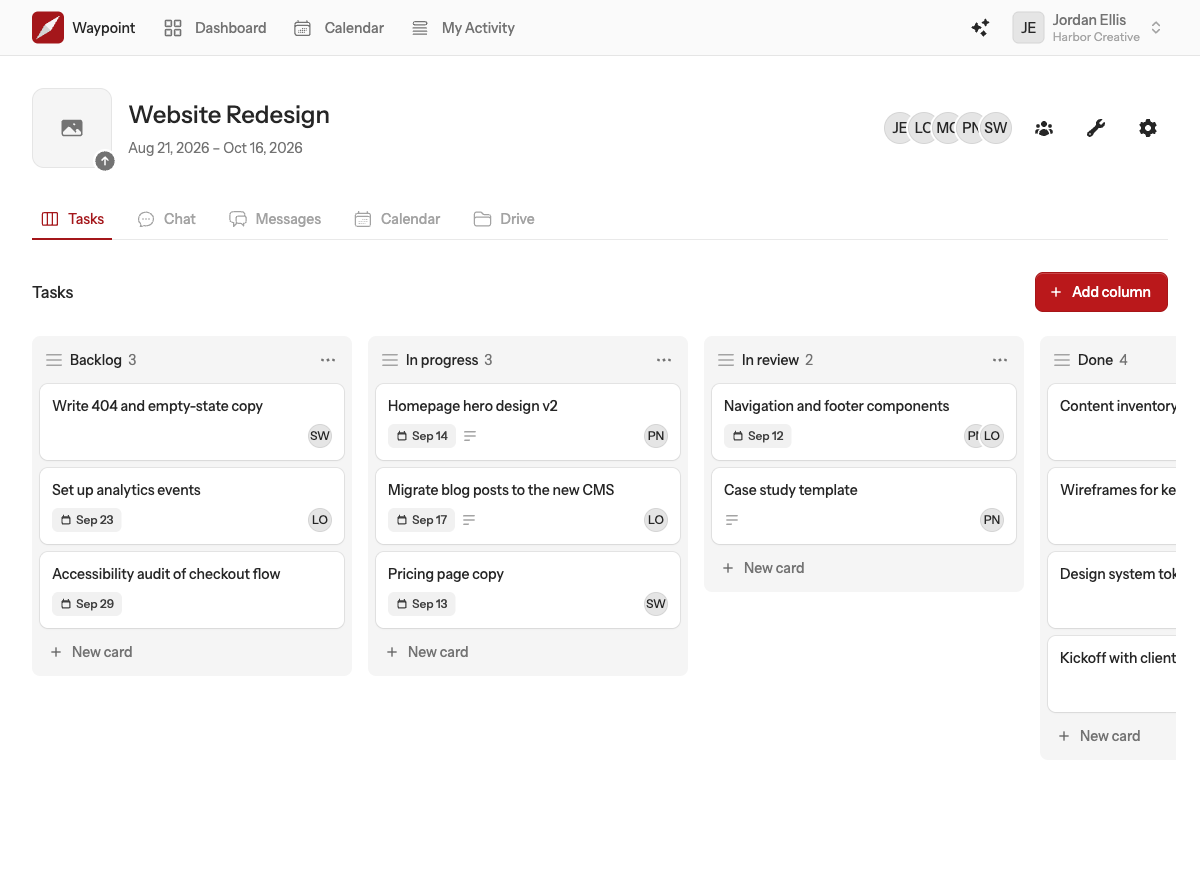
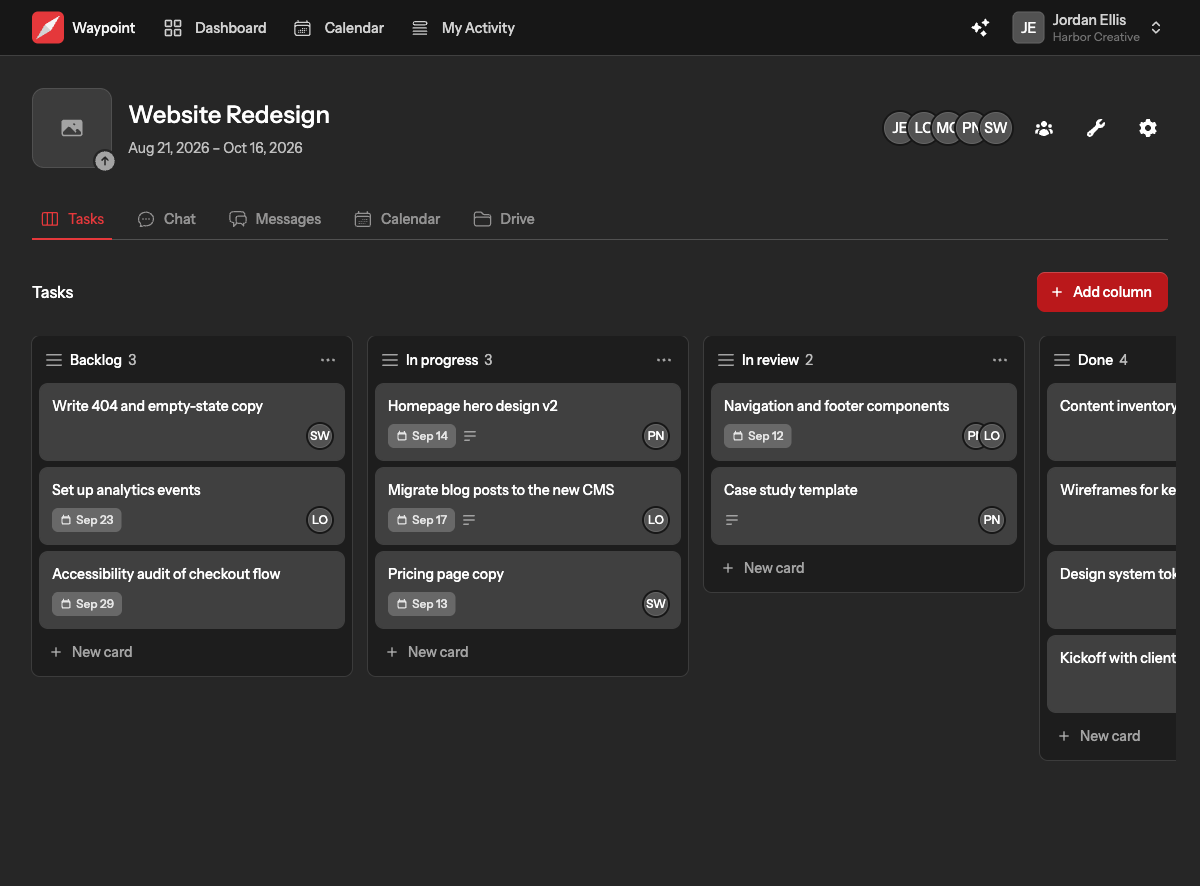
A task board is a set of columns holding cards. Drag cards between columns as work moves along, assign people, set due dates and keep the details on the card itself.
Columns
- Add a column with the button at the end of the board. Give it a name and, if it helps, a short description shown under the name.
- Rename or describe a column from its menu.
- Reorder columns by dragging them by their header.
- Delete a column from its menu. Its cards are deleted with it, so move them first if you want to keep them.
Cards
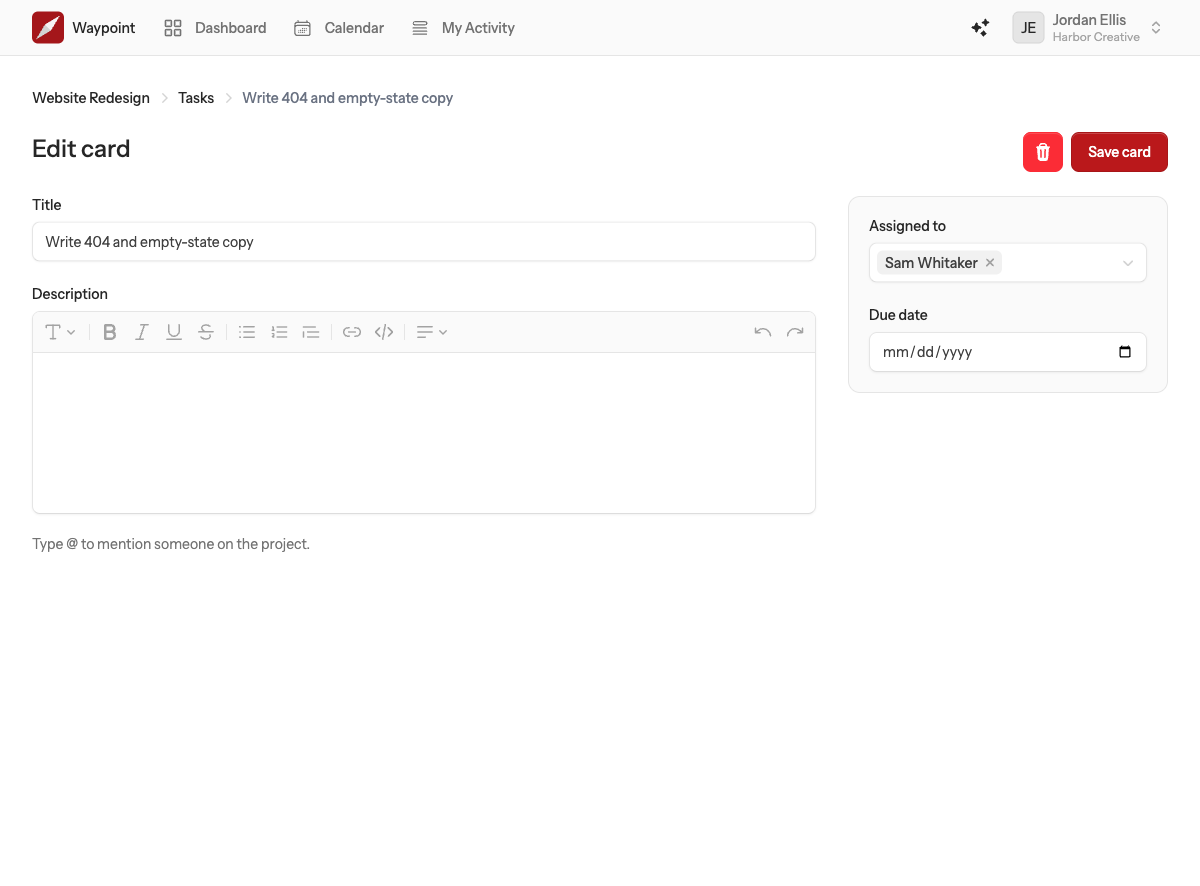
Choose Add card at the bottom of a column. A card has:
- A title, the only thing it needs.
- A description, with the same formatting and @mentions as everywhere else in Waypoint.
- A due date. Cards past their due date are marked overdue on the board.
- Assignees, any of the people who can see the project. Newly assigned people are notified, and so is anyone you mention in the description.
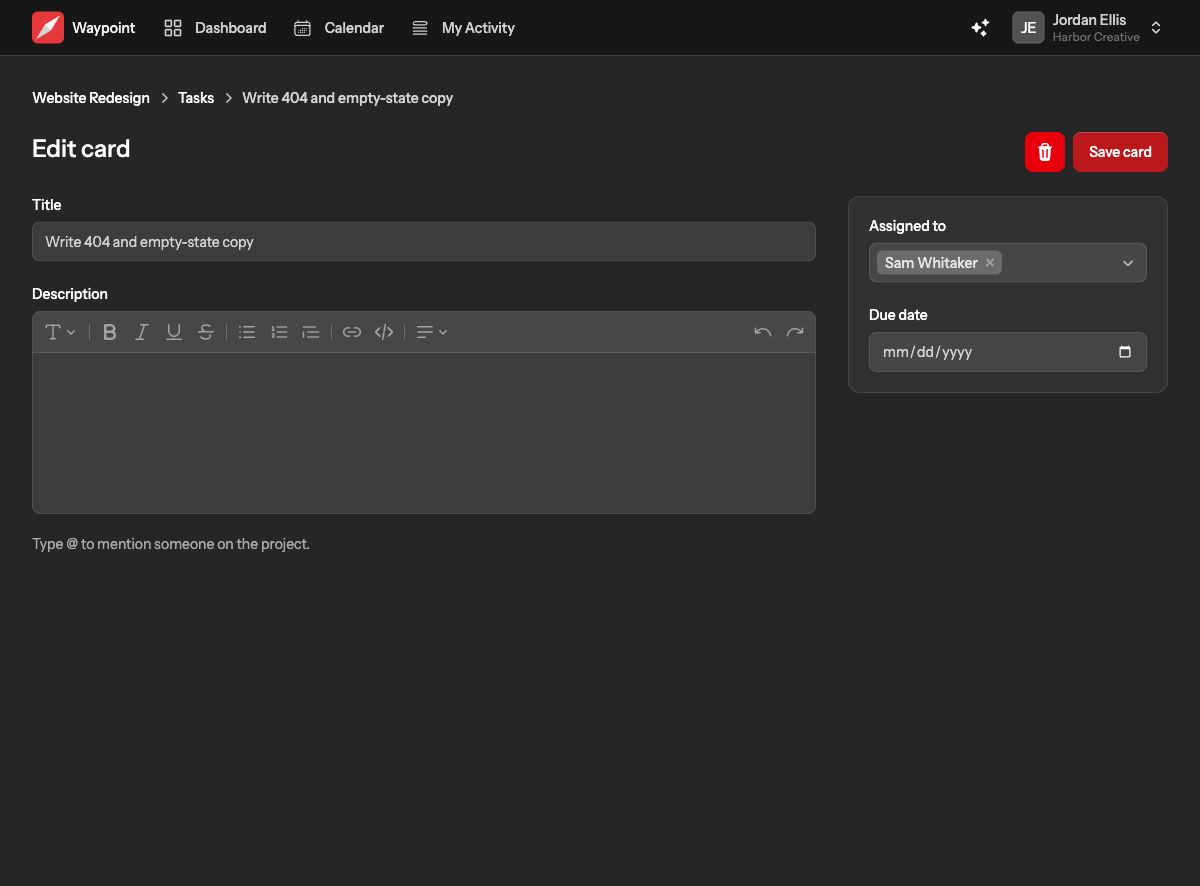
Click a card to open its page, where you can edit everything above or delete the card.
Moving cards
Drag a card up or down within its column to reorder it, or into another column to move it along. Moving a card into a different column is recorded in the activity feed; reordering within a column is not, so tidying up never clutters the feed.
More than one board
A project can have several task boards, each with its own name: one for design and one for development, or one per client deliverable. Add another from Manage tools.