Features
Everything your team needs to finish the work
Waypoint gives every project one home: the plan, the conversation, the files, and the dates, side by side. Here is what that means for the people doing the work, and for the person accountable for it.
Projects
One home for every piece of work
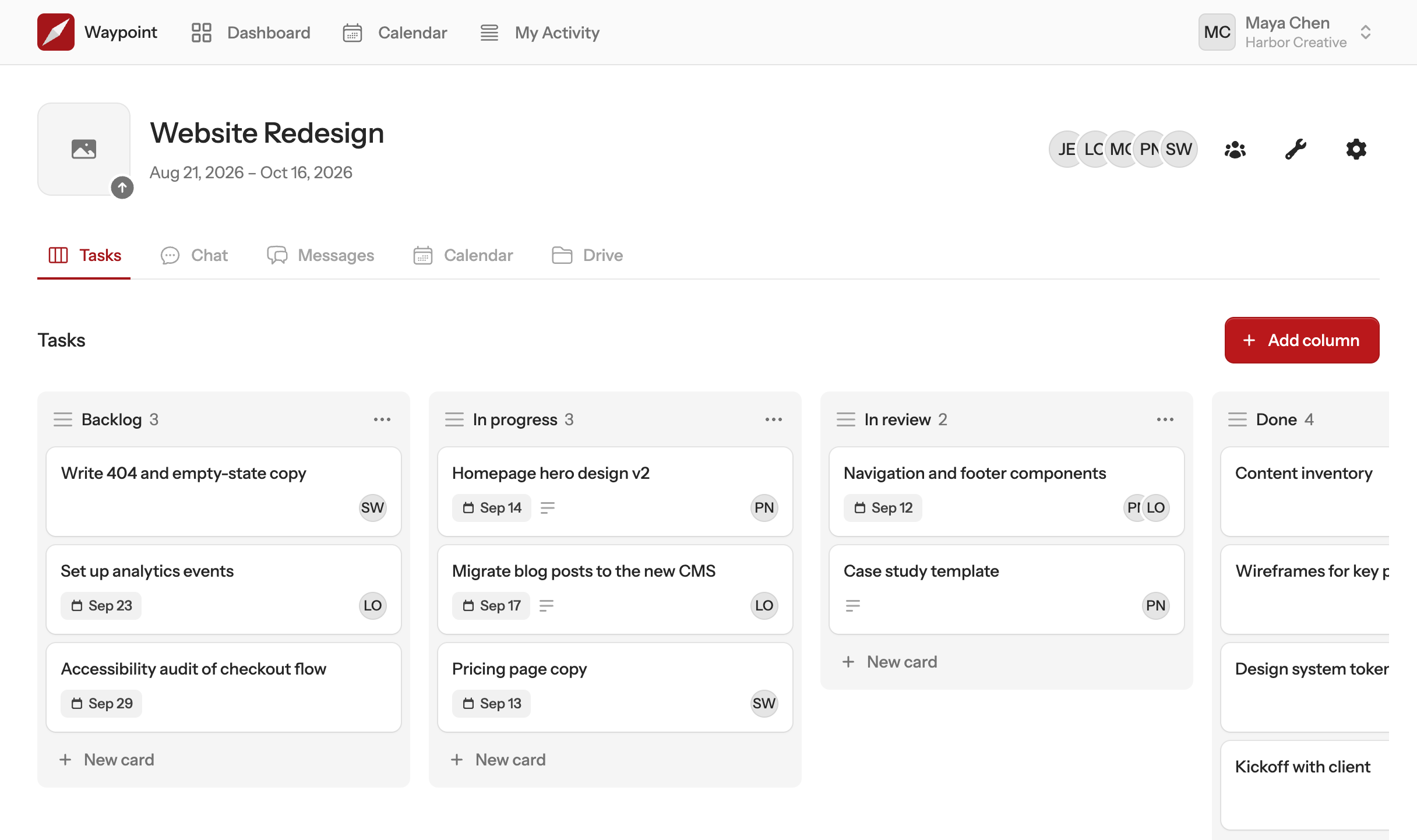
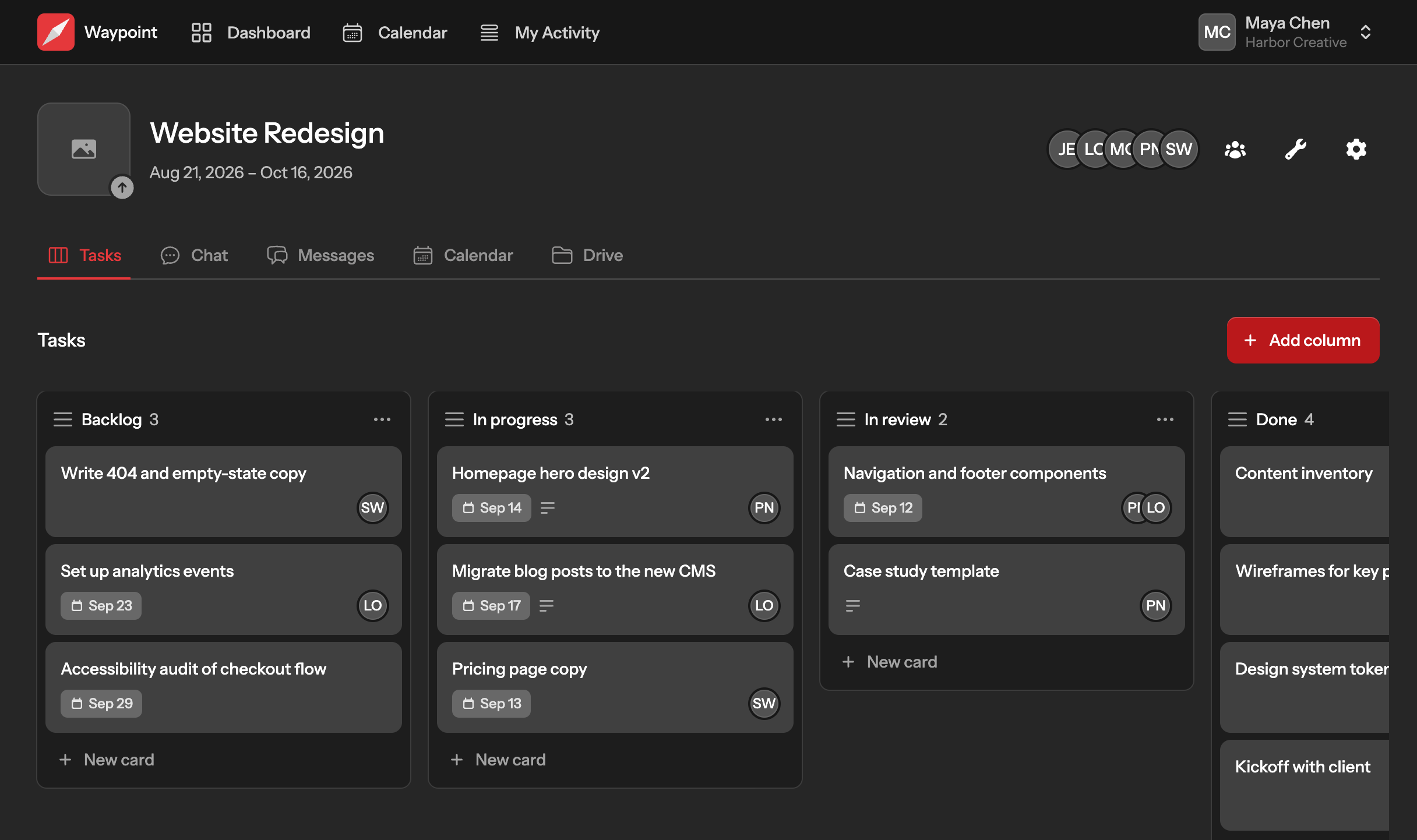
A project in Waypoint is where the work actually happens, not a folder you visit to check on it. Open it and the whole picture is there, for everyone on it.
- Built from the tools you already use.
- Give each project a message board, a task board, chat, a calendar and a drive, in whatever mix fits. A launch might need two task boards. A retainer might only need chat.
- Status that keeps itself current.
- Set a start and end date and Waypoint shows whether the project is upcoming, active or finished. Nobody has to chase an update to answer “where are we?”
- The right people, and only them.
- Bring in the client, the contractor or the whole team, project by project. Everyone sees exactly what they should and nothing they should not.
The whole picture
See what is happening across every project
Step back from any one project and Waypoint shows you the team's week at a glance, then takes you straight to the work when something needs you.
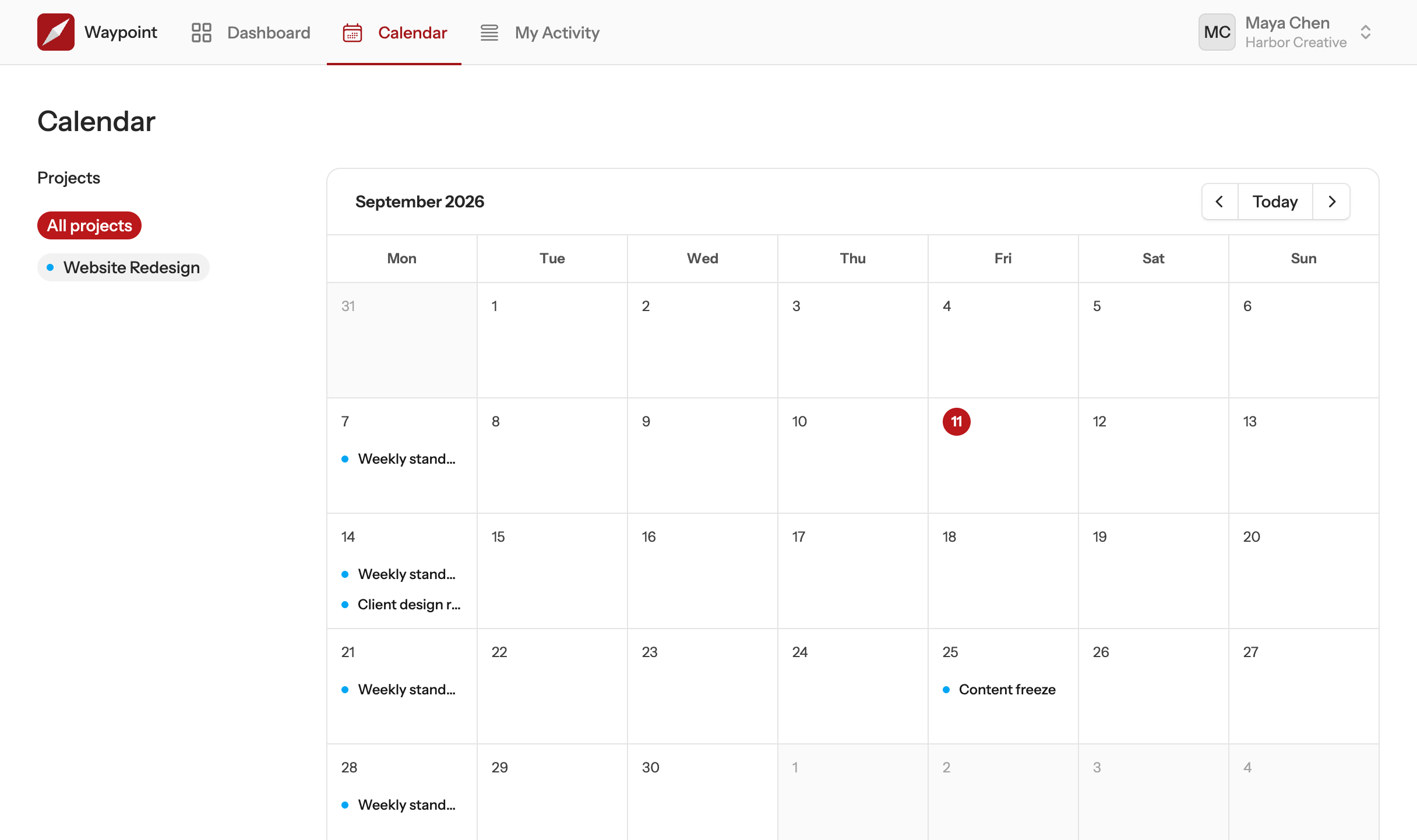
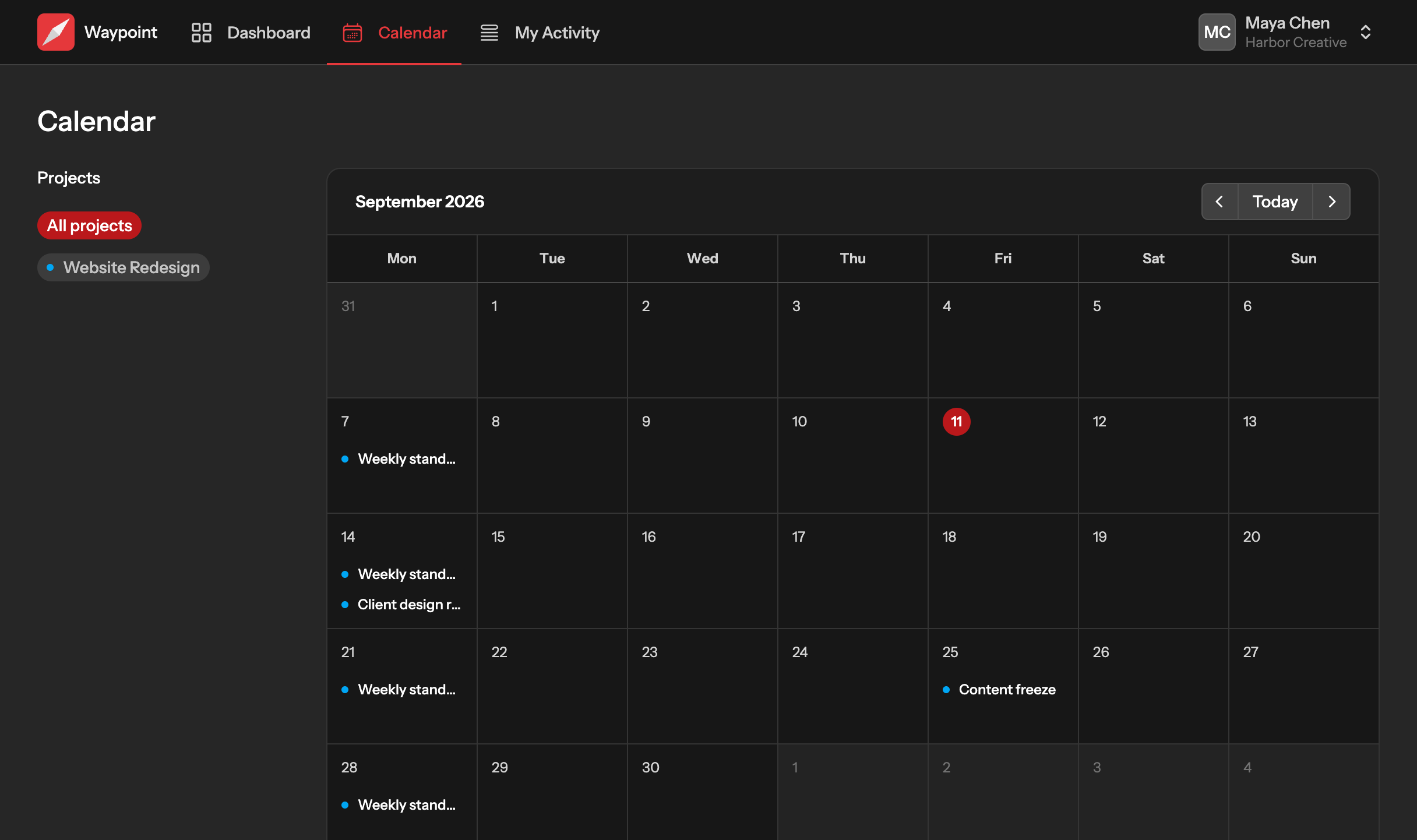
- One calendar for the whole team.
- Every project's events on a single calendar, shown in your own timezone, so clashes show up before they happen.
- Mentions that actually reach people.
- Type @ and a name in a card, a message, a document or chat, and that person is told. No forwarding, no “did you see this?”
- A record of what changed.
- The activity feed shows who did what across every project you are on, so catching up after a day off takes minutes.
- Notifications worth opening.
- New posts, replies, comments and schedule changes arrive in one place, each one a click from the thing it is about.
- Files where they are discussed.
- Attach a file to a card, a message or a chat and it stays with that conversation instead of disappearing into an inbox.
- Works wherever the team is.
- Waypoint fits a phone as well as a desk, in light or dark, so checking in from the road is no different from checking in from the office.
Communication
Conversations that stay with the work
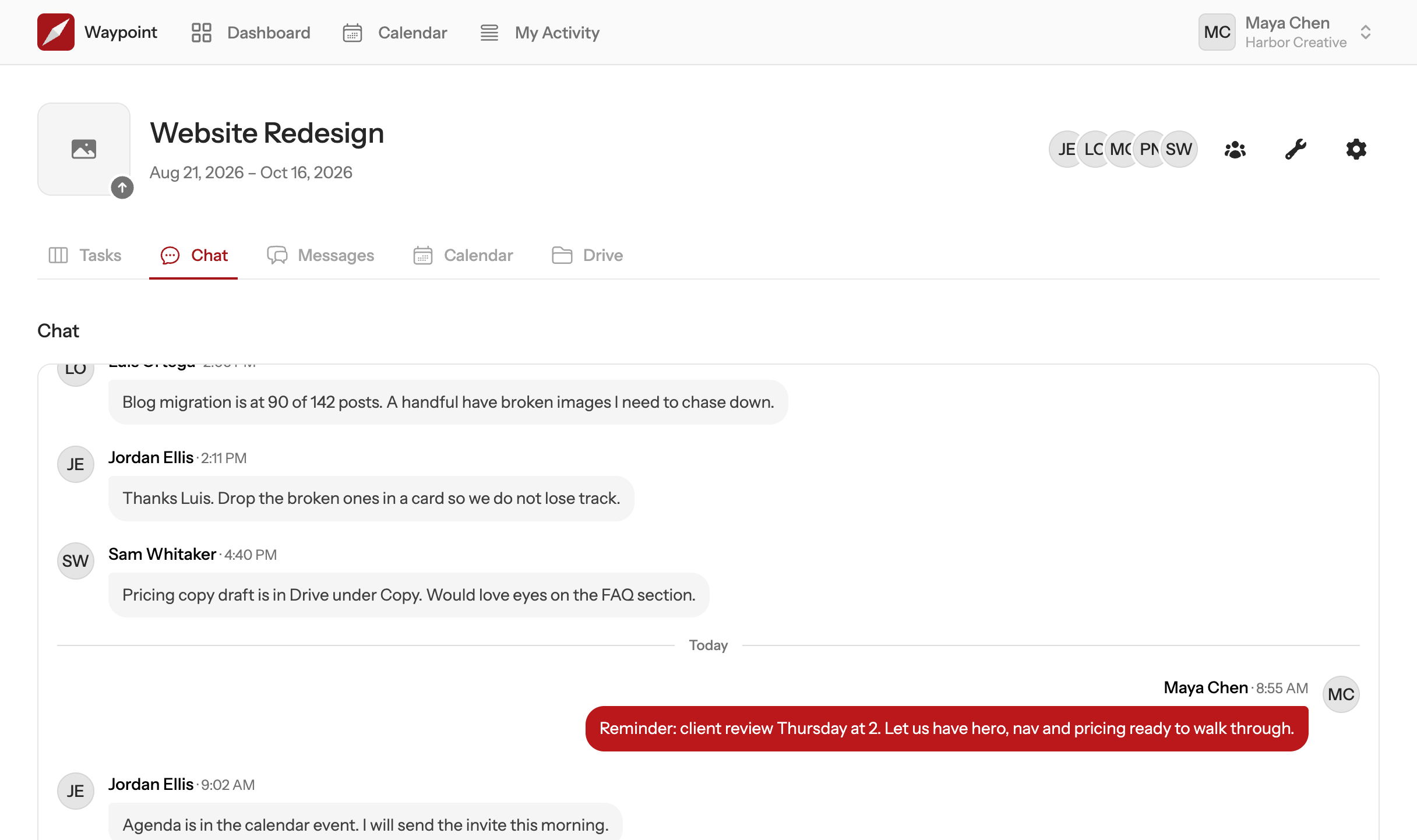
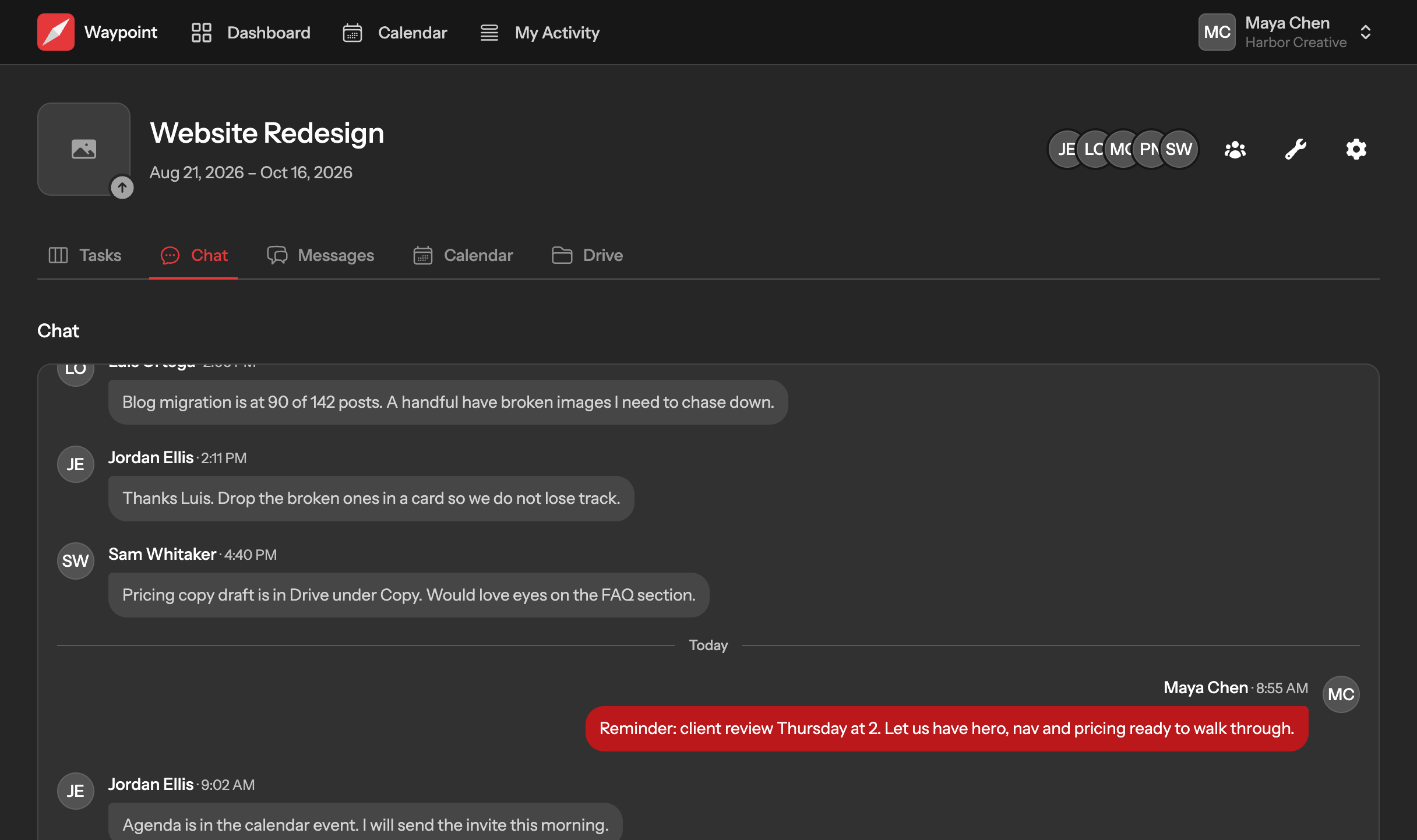
Chat is for right now. Message boards are for the things the team will need to find next month. Waypoint gives you both, inside the project they belong to.
- Decisions you can find again.
- Post the update, the decision or the plan to the message board. Replies stay with the post, so the reasoning is still there when someone asks in six weeks.
- Quick questions, answered quickly.
- Every project has its own chat, with typing indicators so you can see someone is already on it, and no scroll position lost when you come back.
- Nothing has to be said twice.
- Because the conversation lives with the project, the task, the file and the date are one click away instead of pasted into three threads.
Files
Your files, finally where they belong
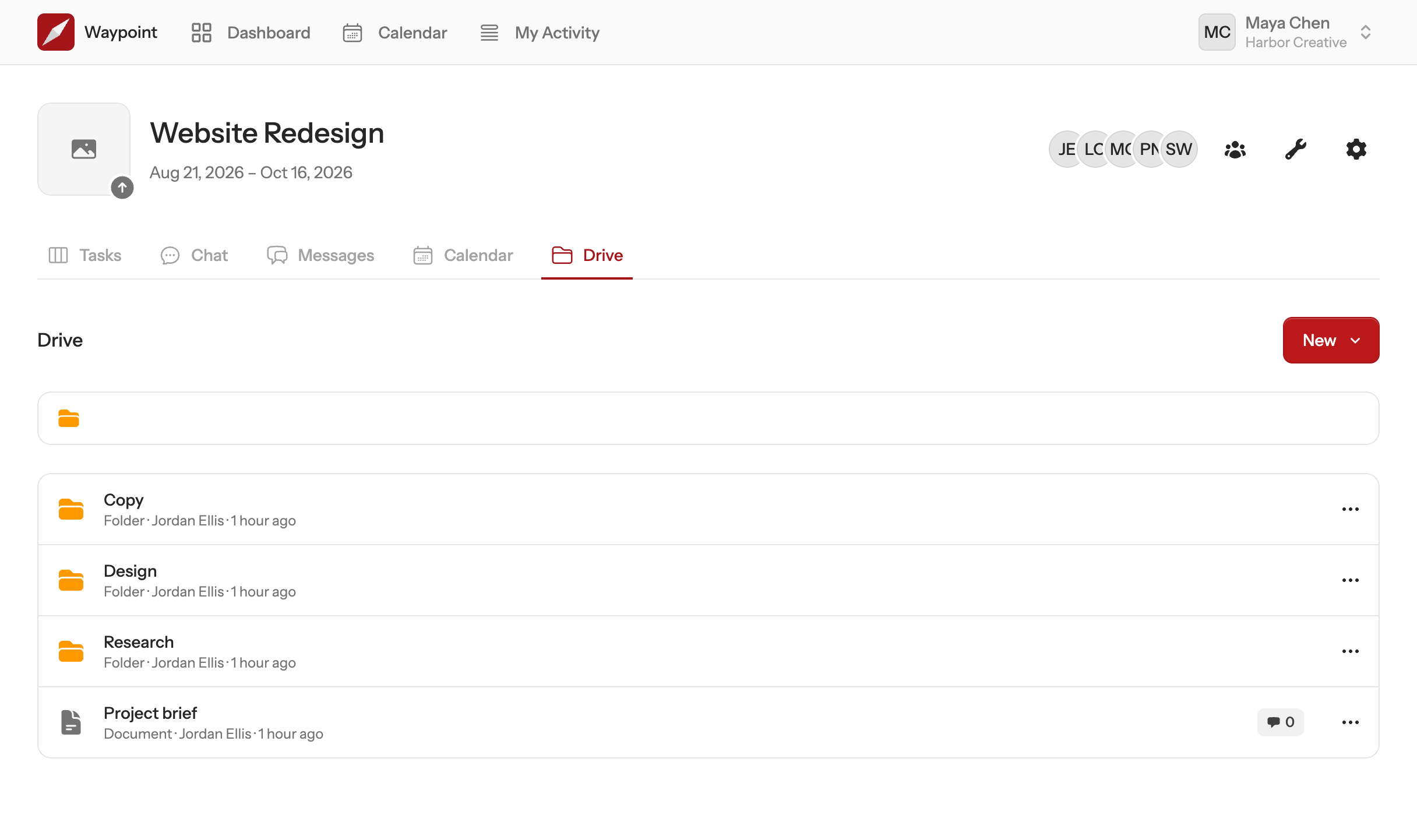
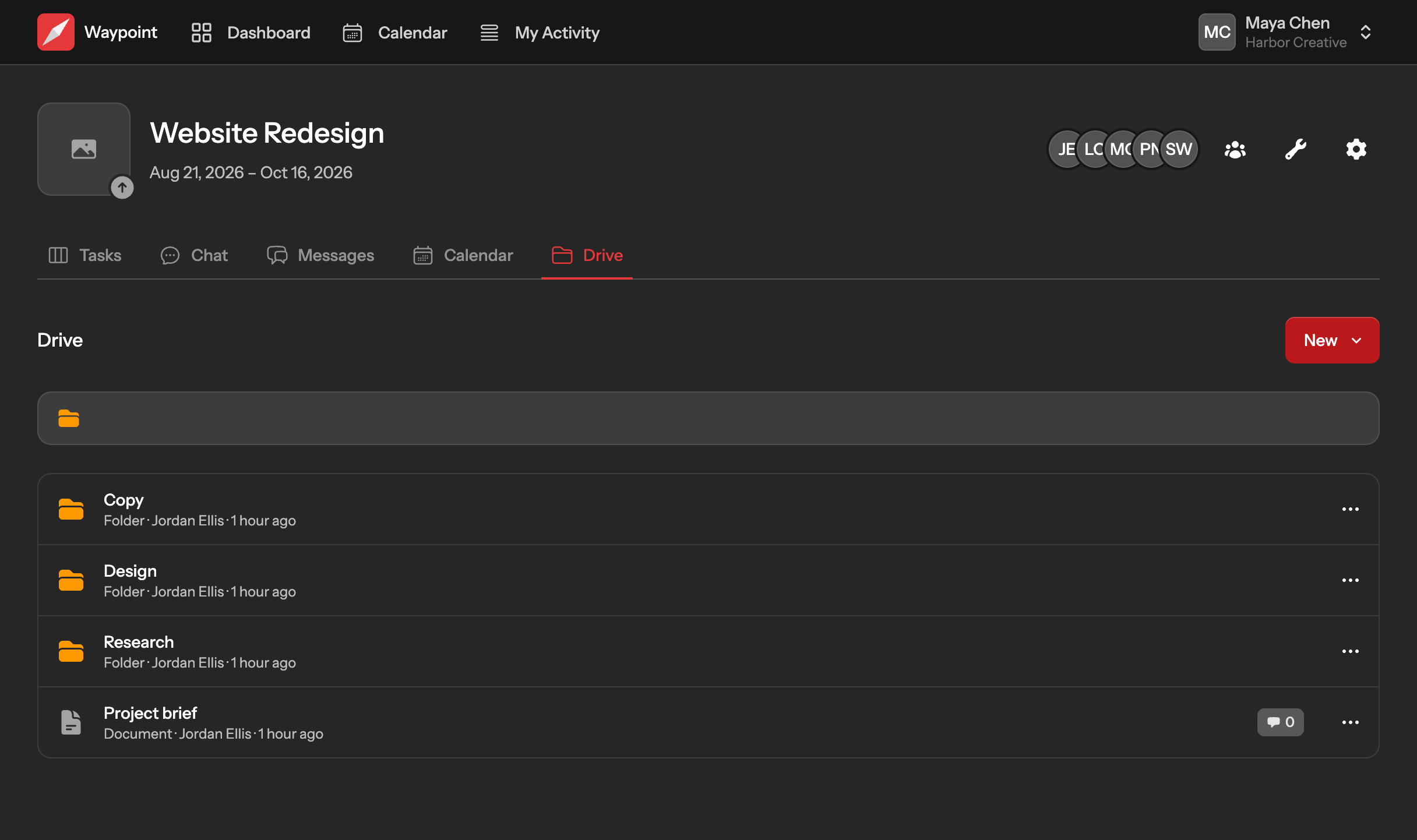
Stop asking which app the file is in. Every project has a drive, organised into folders the way your team already thinks about the work.
- Write it right here.
- Briefs, notes and specs written in Waypoint, with proper formatting and @mentions, so there is no other app to open and no export to send.
- Upload it once.
- Files live on the project, next to the work they belong to, with storage that grows with your plan.
- Link to what lives elsewhere.
- The design file, the spreadsheet, the shared folder: keep the link on the project so nobody has to ask for it again.
- Talk about it in place.
- Anyone on the project can comment on a document, a file or a link, and the people involved hear about it.
Your AI assistant
Ask your AI assistant. It already knows the project.
Waypoint speaks the Model Context Protocol (MCP), the open standard AI assistants use to work with your tools. Connect Claude, Cursor, ChatGPT or VS Code once and it can read your boards, post updates and move work along, as you, without pasting anything into a chat window.
- Works with the assistant you already use.
- Claude, Claude Code, Cursor, VS Code and ChatGPT connect in a few clicks, and so does anything else that supports remote MCP servers.
- Only sees what you can see.
- The assistant signs in as you, so it works in your teams and projects and nothing else. Disconnect it from the client whenever you like.
- Real work, not a summary.
- Create projects, add cards, move them across the board, schedule events and post to message boards. Every change lands in the activity feed under your name.
Pricing
Start free. Grow when you're ready.
Free for small teams. Starter and Pro plans unlock more projects, more tools, and more room to grow — billed simply through Stripe.