Inviting your team
Send invitations, choose roles and see who has not accepted yet.
Waypoint is built around teams. Invite the people you work with and they can see the projects you assign them to, get notified when they are mentioned, and join the conversation.
Send an invitation
- Open Settings from your user menu in the top right, then Teams.
- Choose the team you want to add people to.
- Under Team members, choose Invite member.
- Enter the person's email address and pick a role, then choose Send invitation.
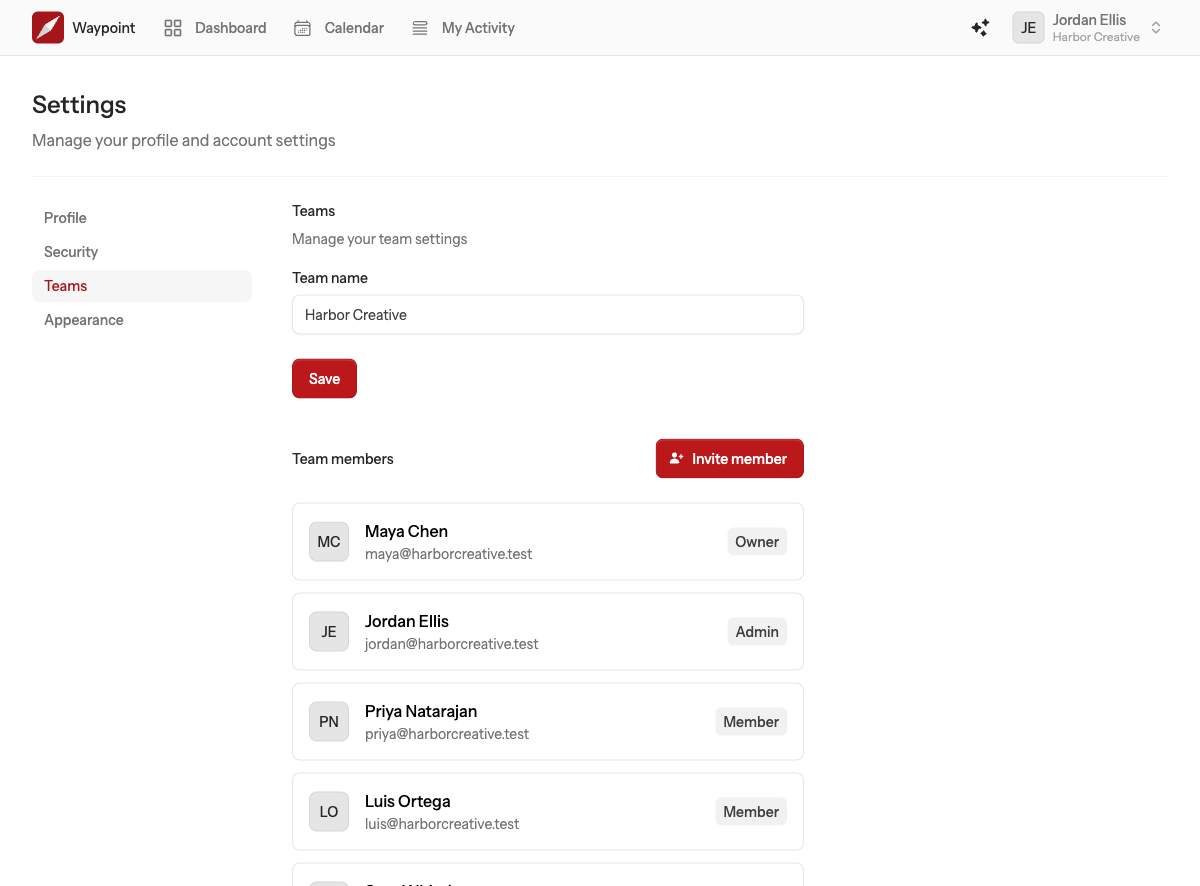
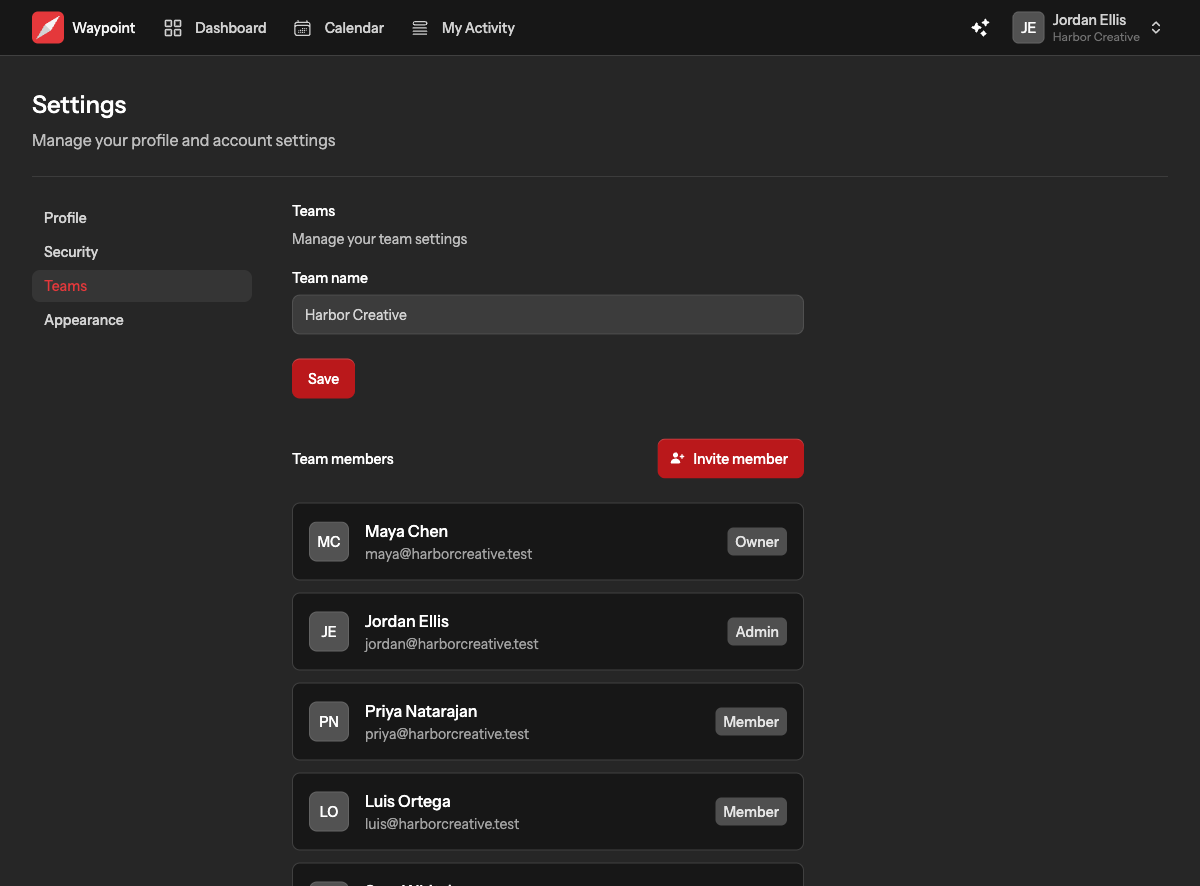
The person receives an email with a link to join. They need to sign in, or create an account, with the same email address you invited. Once they accept, they appear in the members list and you get a notification.
Choosing a role
- Admin sees every project on the team, can invite and remove people, change roles, manage project members and delete projects.
- Member sees only the projects they are assigned to. Members can do everything inside those projects, but cannot manage the team.
Most people should be members. Give admin to the people who run the team day to day. There is one owner per team, the person who created it, and only the owner can manage billing. Read more in Teams and roles.
Invitations that have not been accepted
Outstanding invitations are listed under Pending invitations on the same page. Cancel one with the cross beside it if it went to the wrong address or is no longer needed. Invitations expire after three days and are then removed automatically; send a new one if that happens.
Inviting clients and contractors
Invite them as members and assign them only to the projects they should see. They will never see the rest of the team's work. When the engagement ends, remove them from the team and their access ends with it.