Teams and roles
What a team is, what owners, admins and members can do, and your personal team.
Everything in Waypoint belongs to a team: its projects, its members and its plan. You can belong to several teams and switch between them, and each one keeps its work separate.
Your personal team
When you sign up, Waypoint creates a personal team named after you. It is a full team on the Free plan, so you can run a project of your own without inviting anyone. You cannot leave or delete your personal team, but you can rename it and invite people to it like any other.
Roles
Every member of a team has one of three roles.
| Role | Can |
|---|---|
| Owner | Everything an admin can, plus manage billing and delete the team. There is one owner: the person who created the team. |
| Admin | See every project on the team. Rename the team. Invite people, cancel invitations, change roles and remove members. Choose who is assigned to each project. Delete projects. |
| Member | See and work in the projects they are assigned to, including creating new projects. Members cannot manage the team or see other people's projects. |
Inside a project there are no further permissions: everyone who can see it can post, reply, add cards, upload files and add tools. The exceptions are deleting the project and changing who is assigned, which need the admin or owner role, and deleting other people's messages, chat lines, replies, comments and drive items, which also needs admin or owner.
Changing someone's role
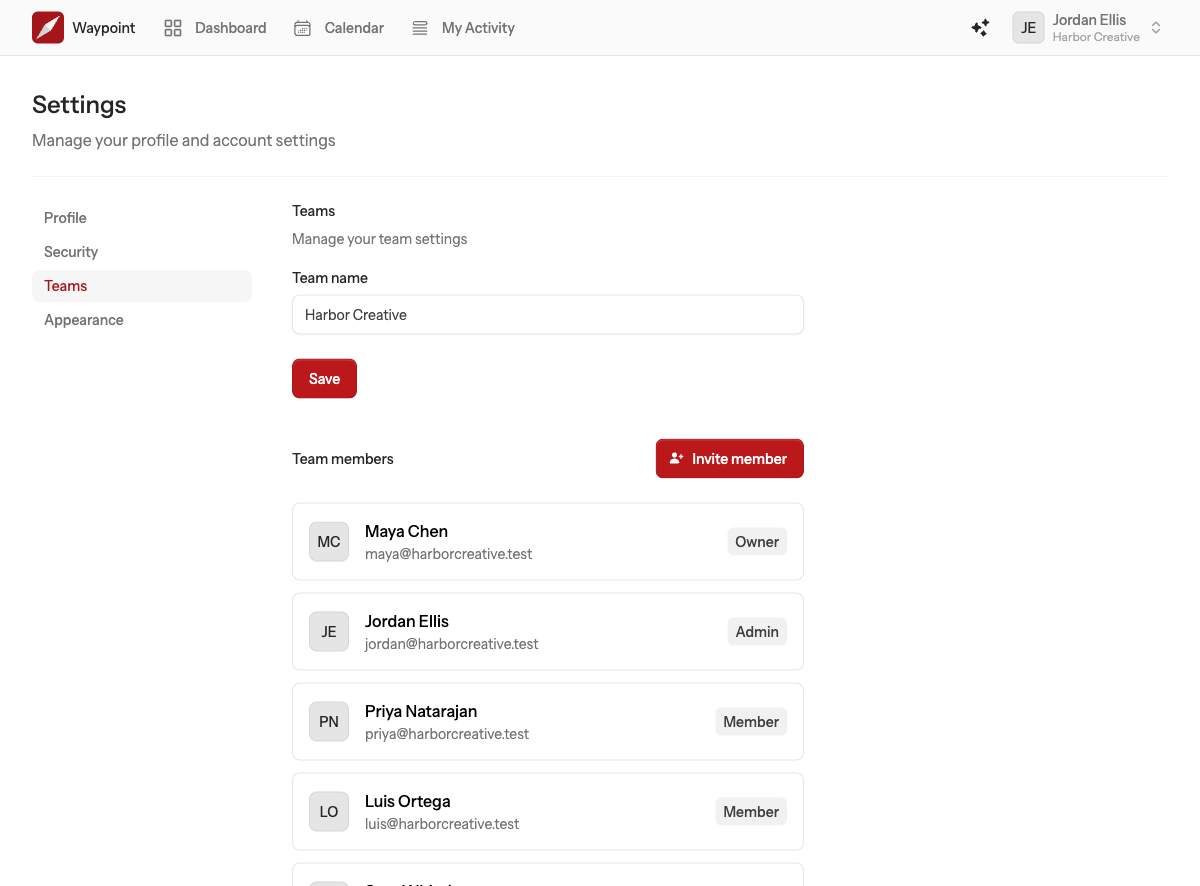
Owners and admins can change a member's role from the team settings page: open the role menu beside their name and pick the new one. The owner's role cannot be changed, and ownership does not transfer.
Team settings
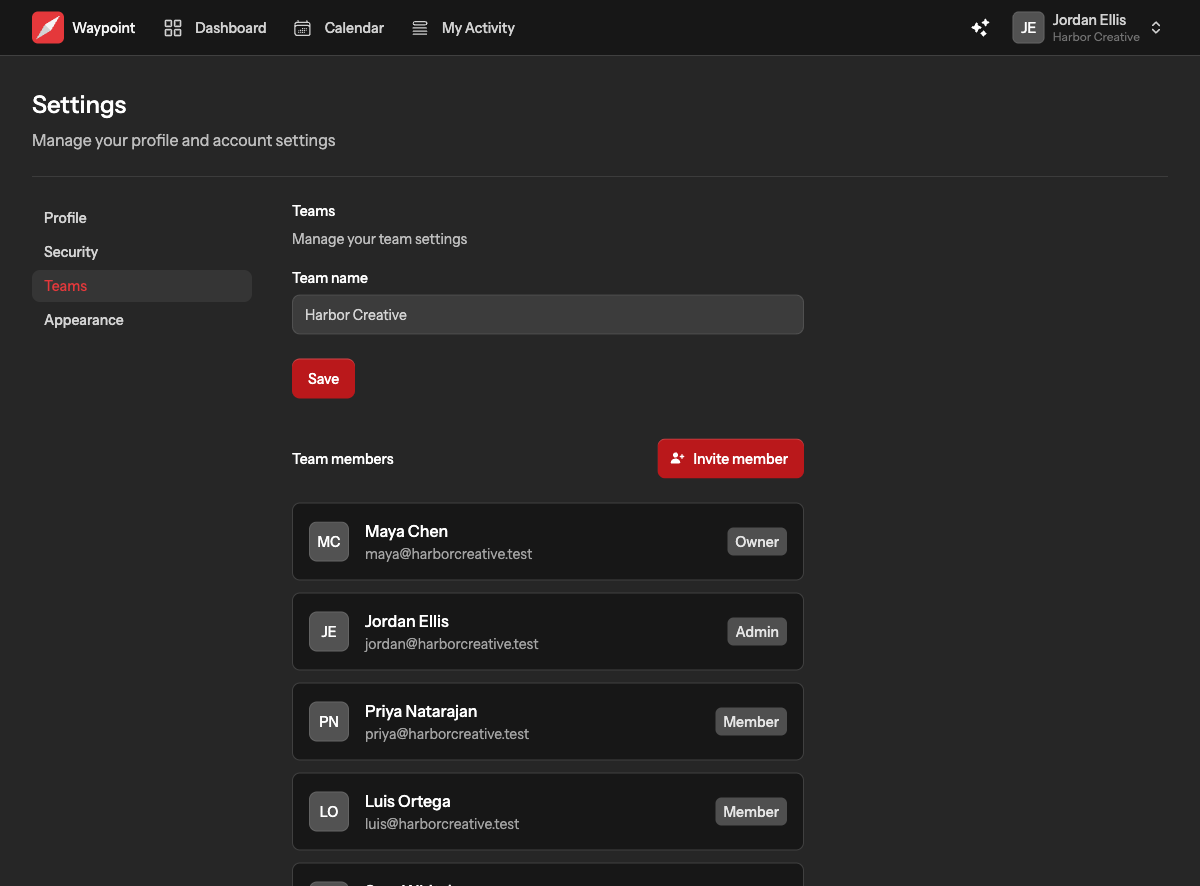
Open Settings from your user menu, choose Teams, then the team. Owners and admins see the full page: the team name, members and their roles, pending invitations, storage used, the plan, and, for the owner, billing and deleting the team. Members see the team's name and who is on it.