The team calendar and activity feed
See every project's events on one calendar and catch up on what changed.
Two pages in the header step back from any single project and show the team as a whole: Calendar and Activity. Both only ever show projects you can see.
The team calendar
Calendar in the header shows the events from every project calendar on your current team on one month grid, so a review on one project and a deadline on another appear side by side.
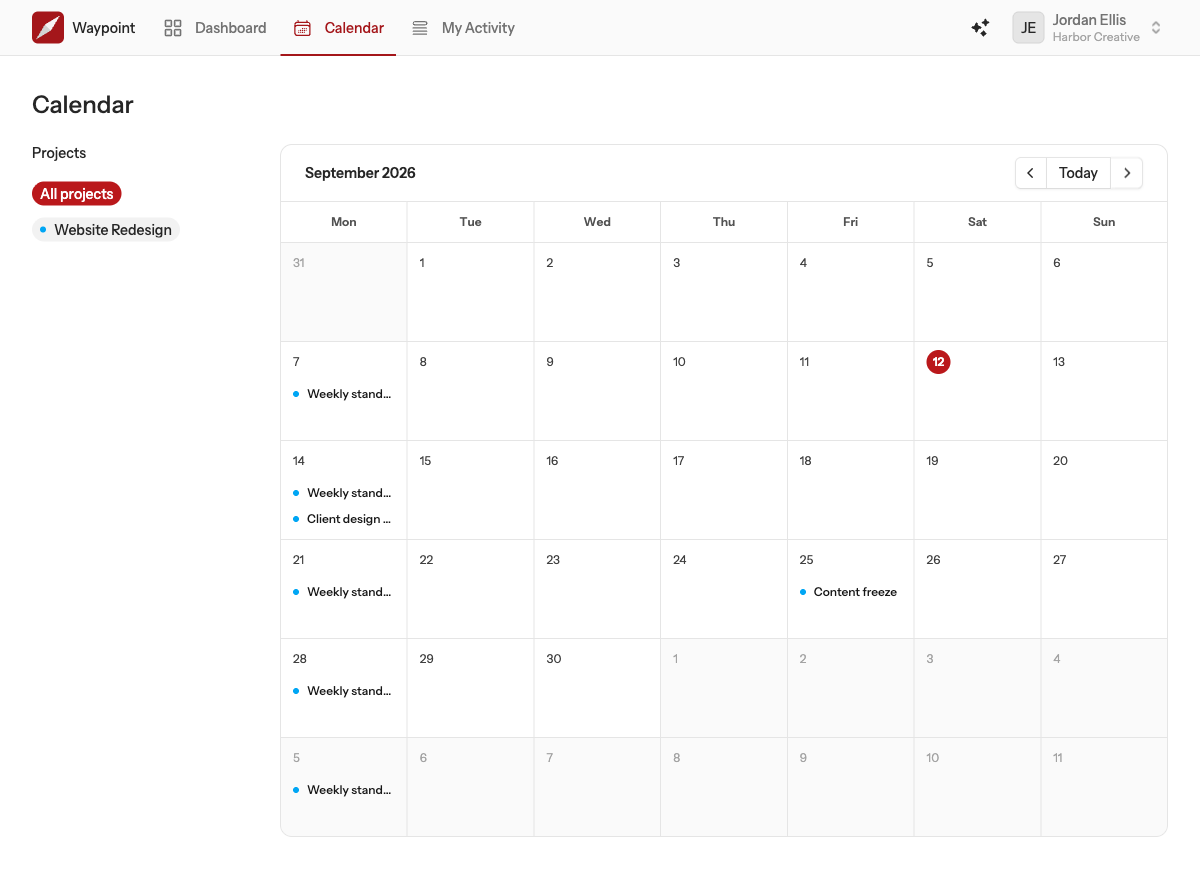
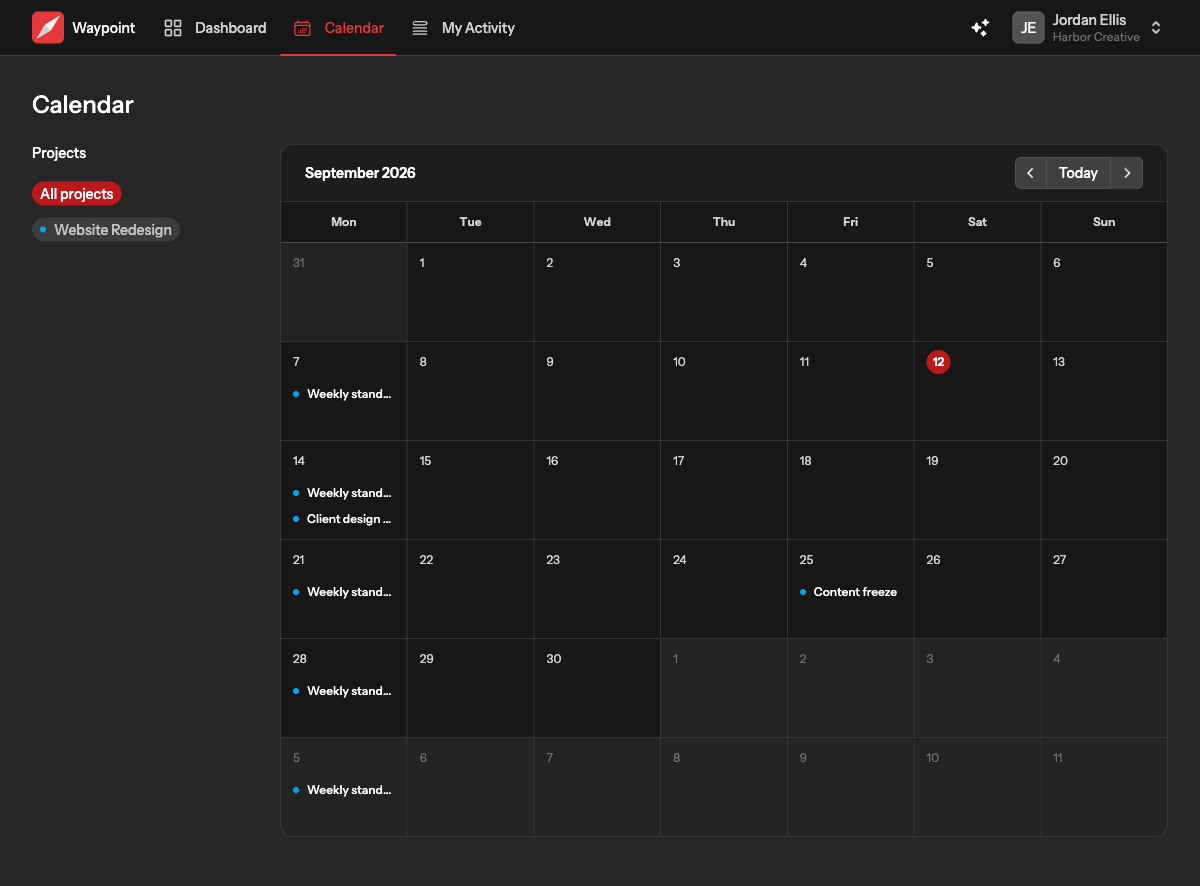
- Use the arrows to move between months and Today to jump back.
- Click a day to list everything on it in the panel, with a button to open each event.
- Use the Projects filter to show one project at a time.
Events are created and edited on the project's own calendar; the team calendar is a view. If a project has no calendar tool yet, its events cannot appear here. Times are shown in your own timezone.
Activity
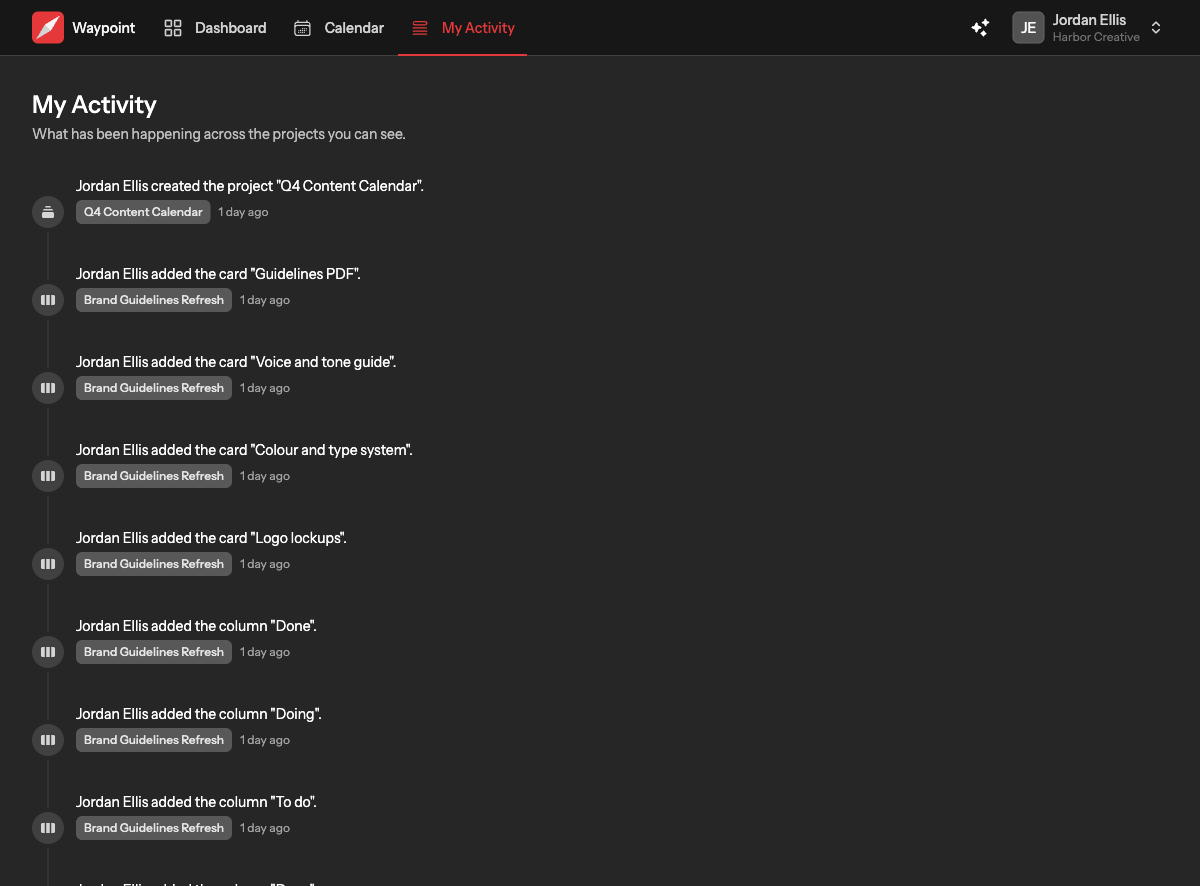
Activity is a timeline of what has changed across the projects you can see: projects created and renamed, cards added and moved between columns, messages posted, events scheduled, files uploaded, comments, and people joining. Each entry names who did it and links to the thing itself, and shows which project it happened in.
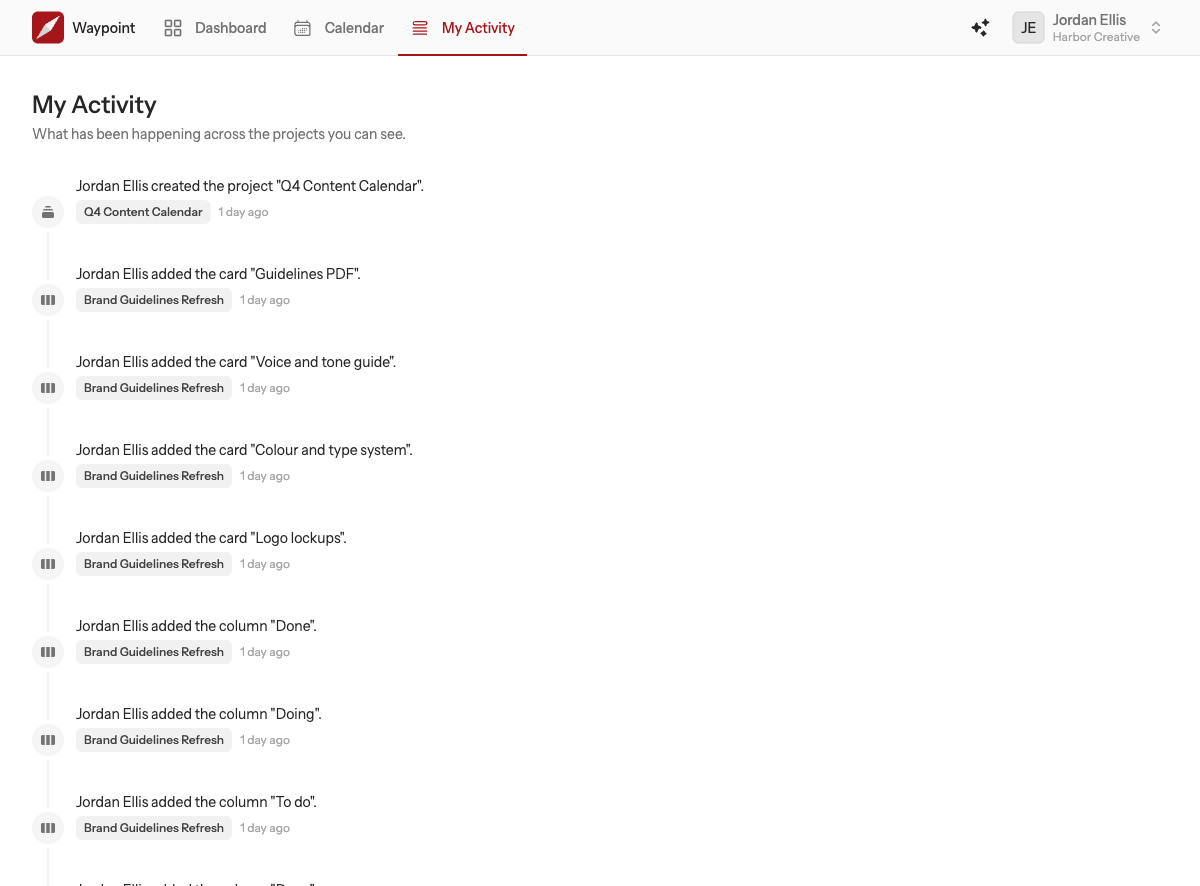
The feed is deliberately quiet about small things. Reordering cards within a column, tidying a board and chat traffic are folded down: a burst of chat shows as one entry naming the people talking rather than a line per message.