Drive
Documents, uploaded files and links, in folders, with comments from the team.
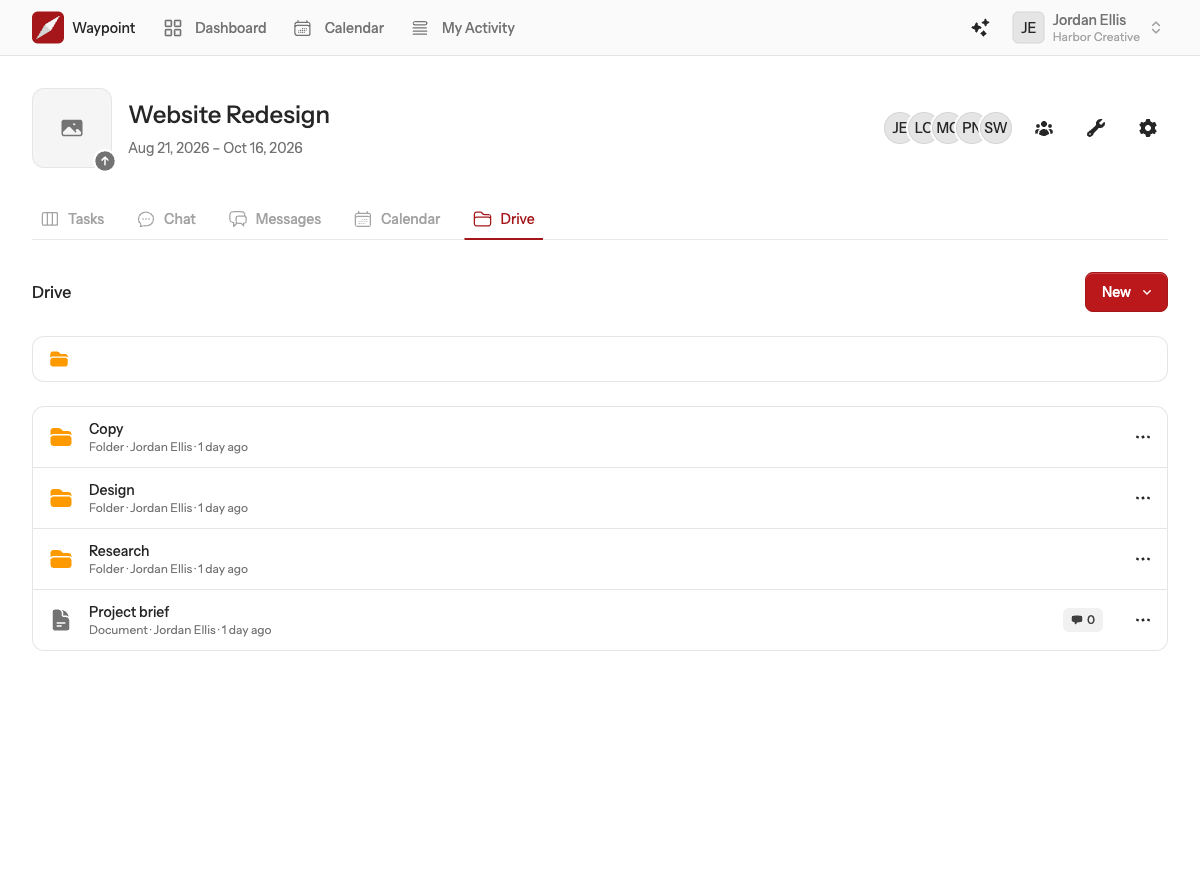
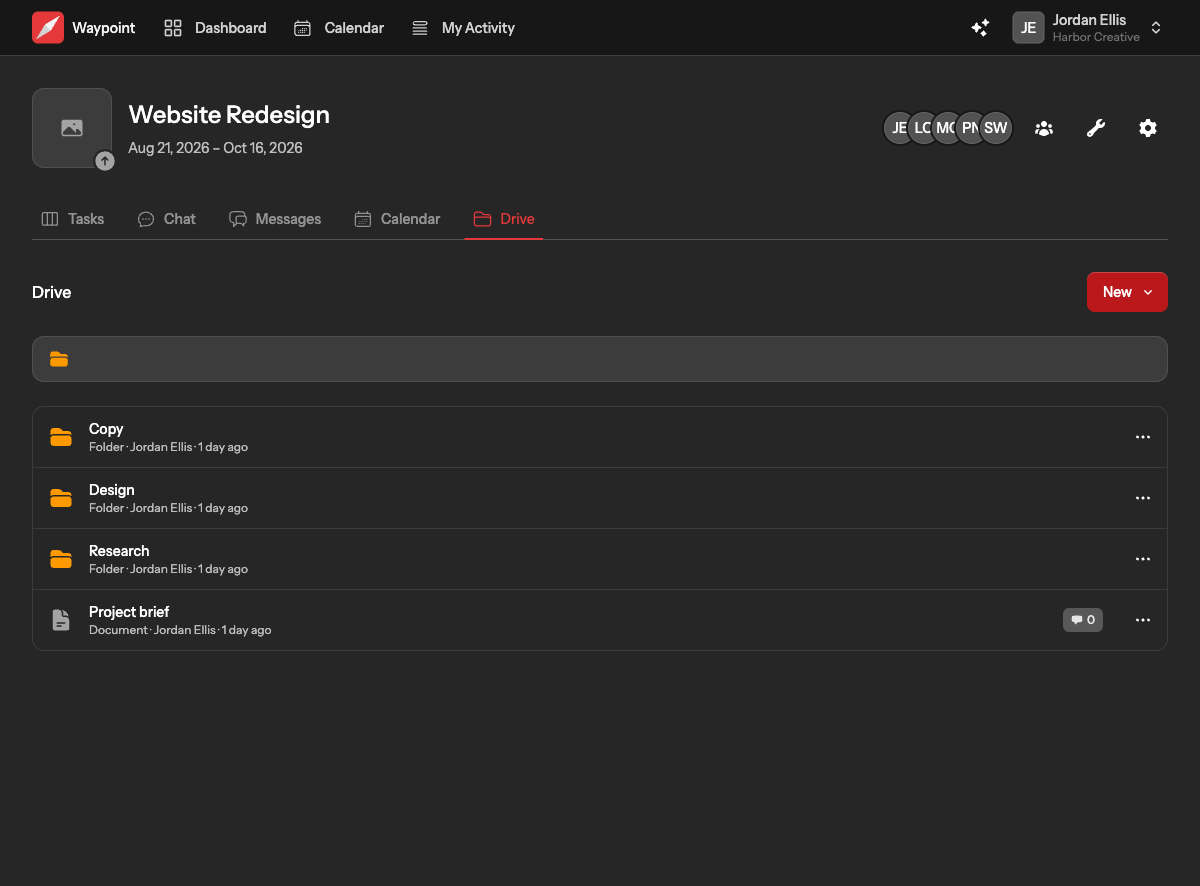
A project's drive is where its documents, files and links live, in folders the team arranges however it likes. Anyone on the project can add to it, and every item has its own page with a comment thread.
What goes in a drive
- Documents are written in Waypoint, with full formatting and @mentions. Briefs, notes, specs, meeting minutes.
- Files are uploads: PDFs, images, spreadsheets, anything up to 10 MB each. They count towards your team's storage.
- Links point to things that live elsewhere, such as a design file or a shared folder, with a short description so people know what they are opening.
- Folders hold any of the above and can be nested.
Adding something
Choose New in the drive and pick what you want to add. Documents and files open a page of their own; links and folders are created in a small form. Whatever you add goes into the folder you are looking at.
When uploading, each file is saved the moment you pick it, and the page lists what it added. You can upload several at once.
Organising
Open an item's or a folder's menu to rename it, move it into another folder (or back to the top level), or delete it. Deleting a folder deletes everything inside it, so move anything you want to keep first.
Item pages and comments
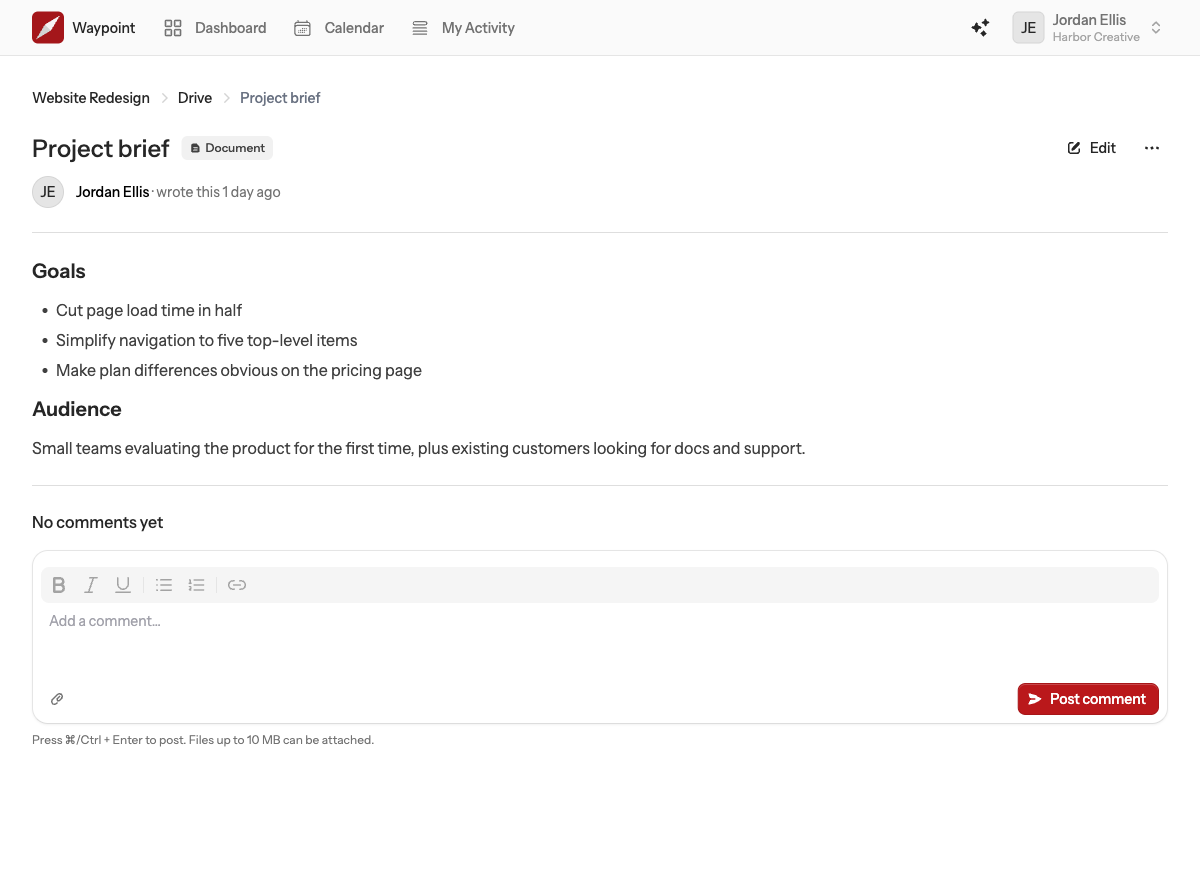
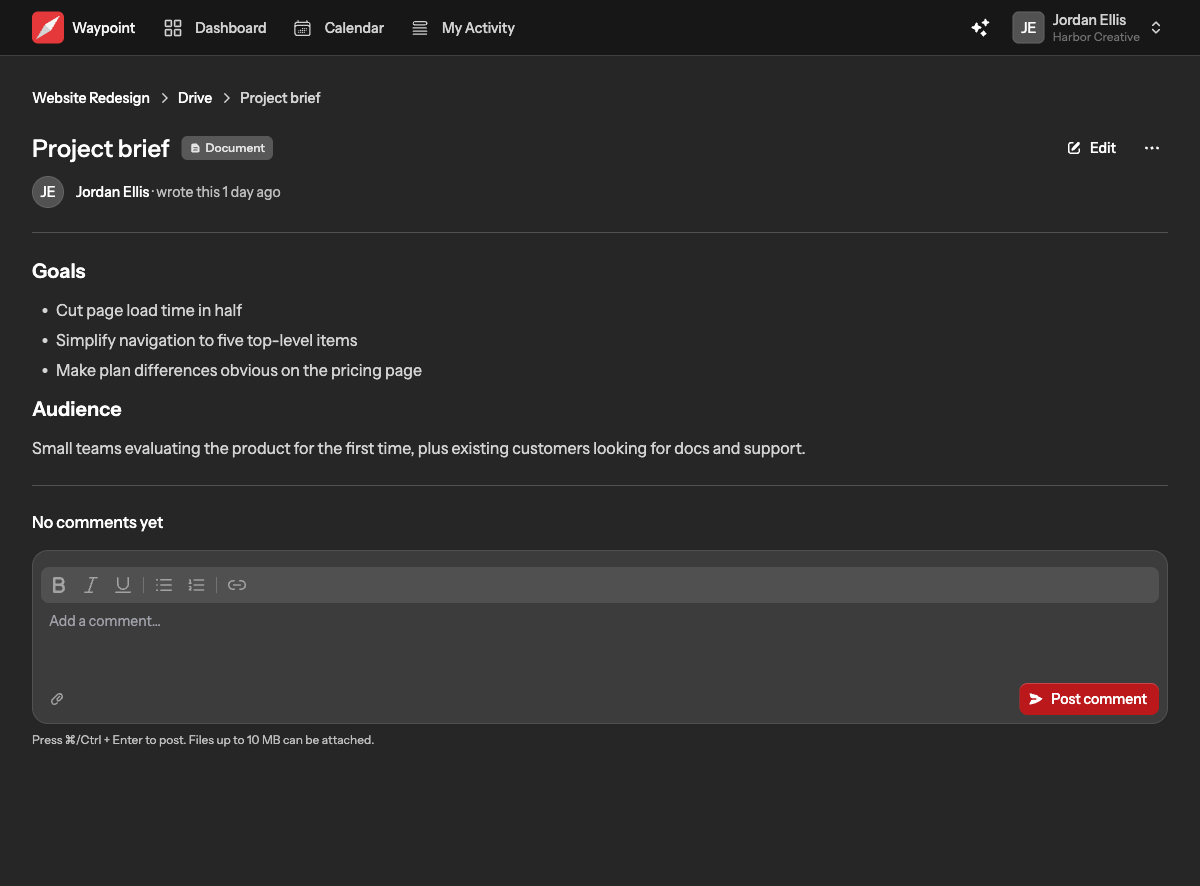
Click a document, file or link to open its page. Documents can be edited in place. Every item has a comment thread underneath where anyone on the project can discuss it, with the same @mentions and attachments as a message reply. The item's owner and earlier commenters are notified of new comments.
Who can delete
Anyone on the project can rename, move and edit items, because the drive is shared work. Deleting an item is limited to the person who added it and to team owners and admins. Deleting removes the file from storage immediately and frees the space on your plan.