Your profile
Change your name and email address.
Your profile is your name and email address. Both appear to your teammates: your name on everything you write and in the people lists, and your email in your own user menu.
Changing your name or email
- Open your user menu in the top right and choose Settings.
- On the Profile page, edit your name or email address.
- Choose Save.
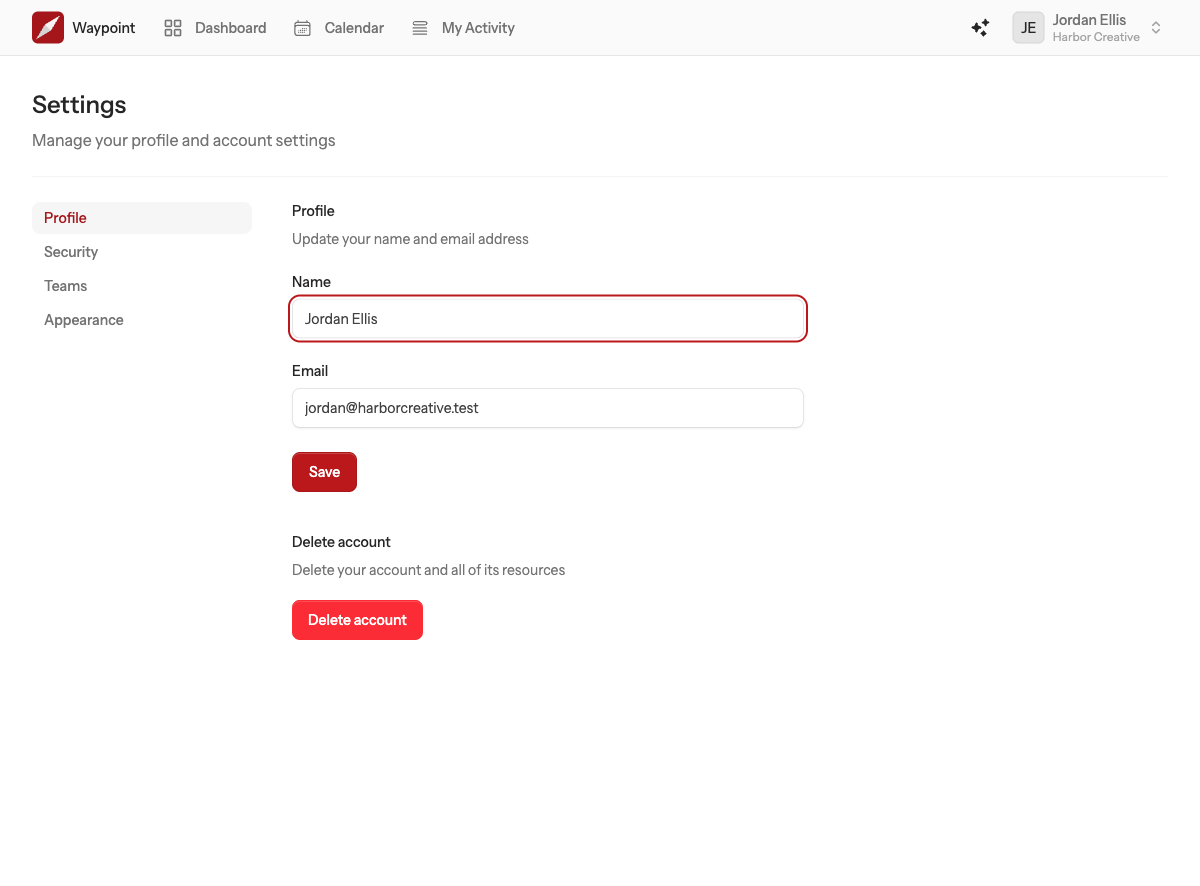
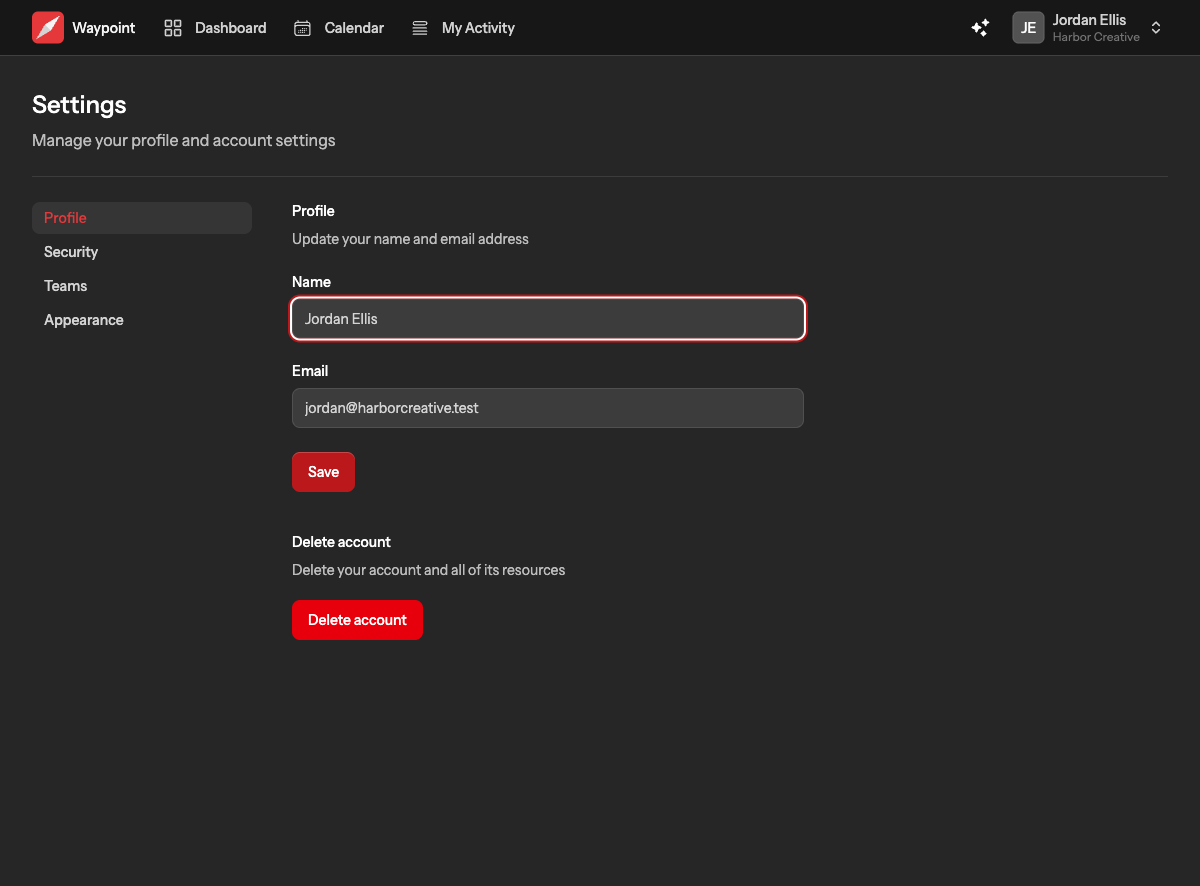
Your name updates everywhere at once, including on things you wrote in the past. Changing your email address changes the address you sign in with, so use one you have access to. If Waypoint asks you to verify the new address, choose the link in the page to resend the verification email.
Your avatar
Waypoint shows your initials, taken from your name, wherever people are listed. There is no avatar upload for people at the moment.
Password and sign-in
Your password, two-factor authentication and passkeys are on the Security page. See Password, two-factor authentication and passkeys.
Deleting your account
The bottom of the Profile page has a Delete account section. Read Deleting your account before you use it.